


DigitalOcean Spaces is a simple, scalable cloud storage solution for managing files like media, backups, and logs outside your application. With S3 compatibility, stateless architecture support, and easy setup, it’s a practical choice for handling data efficiently while keeping your app lightweight and independent.
DigitalOcean Spaces - is a cloud storage service, where you can keep all your digital items in a “spaces bucket” — our special cloud-based folder.
| Usage | Features |
|---|---|
| Stateless architecture | No worries about disk space |
| Backups | Independent storage |
| Archive logs | External service that manages data storage |
| Media data (photos, videos, docs, etc.) | Sharing access |
| Personal / Secret data (contracts, invoices, passports, etc.) | Ability to have Stateless architecture |
| DigitalOcean Spaces | AWS S3 |
|---|---|
| Very simple console | Functional console |
| Compatible with S3 APIExternal CDN supportACL policy | Compatible with AWS services such as:Amazon CloudFront (for content delivery)Amazon Glacier (for long-term archival)AWS Lambda (for server-less computing) |
| Scalability: Petabyte-scale | Scalability: Virtually unlimited |
| Video/image compressor/convertor |
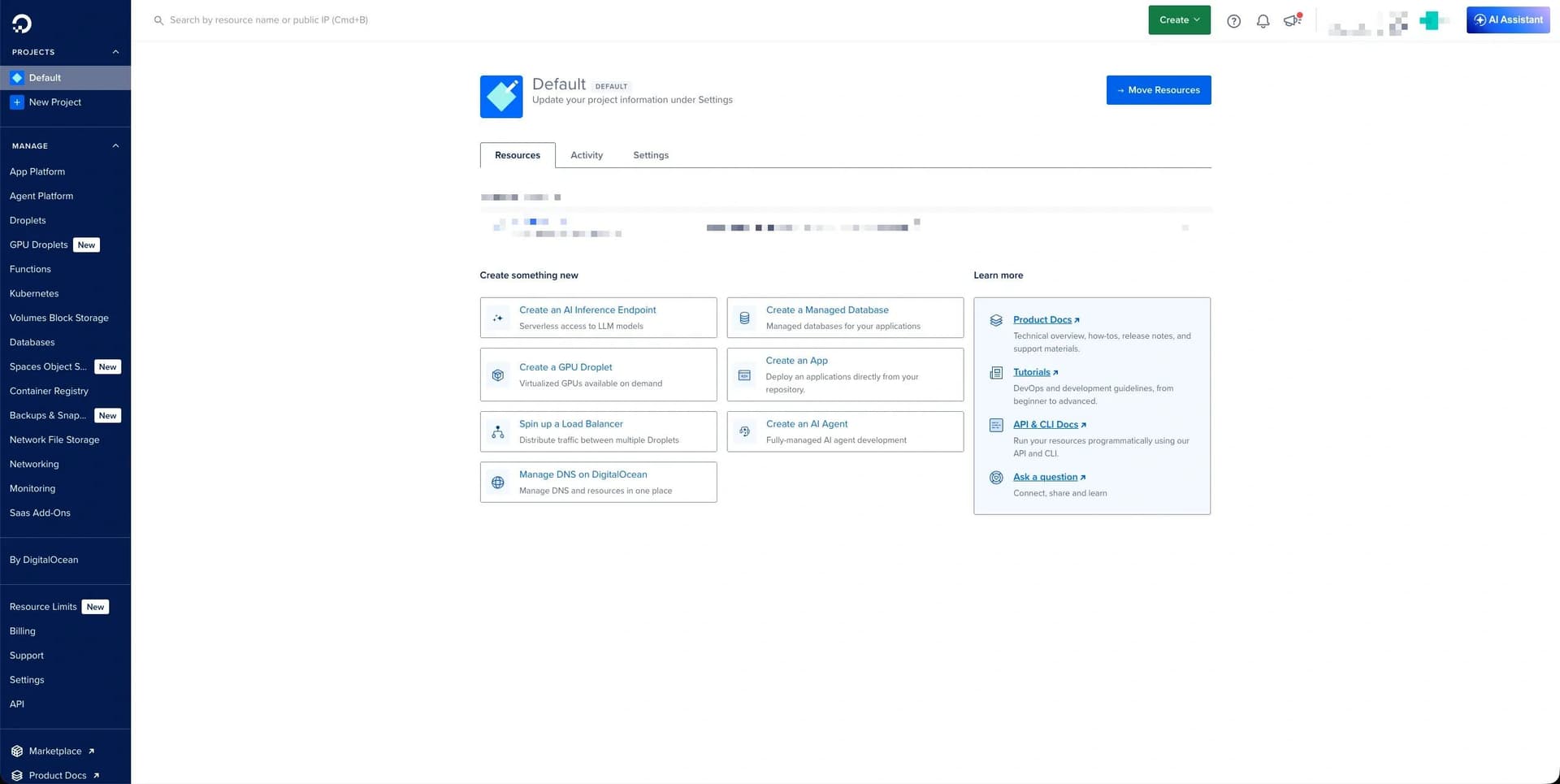
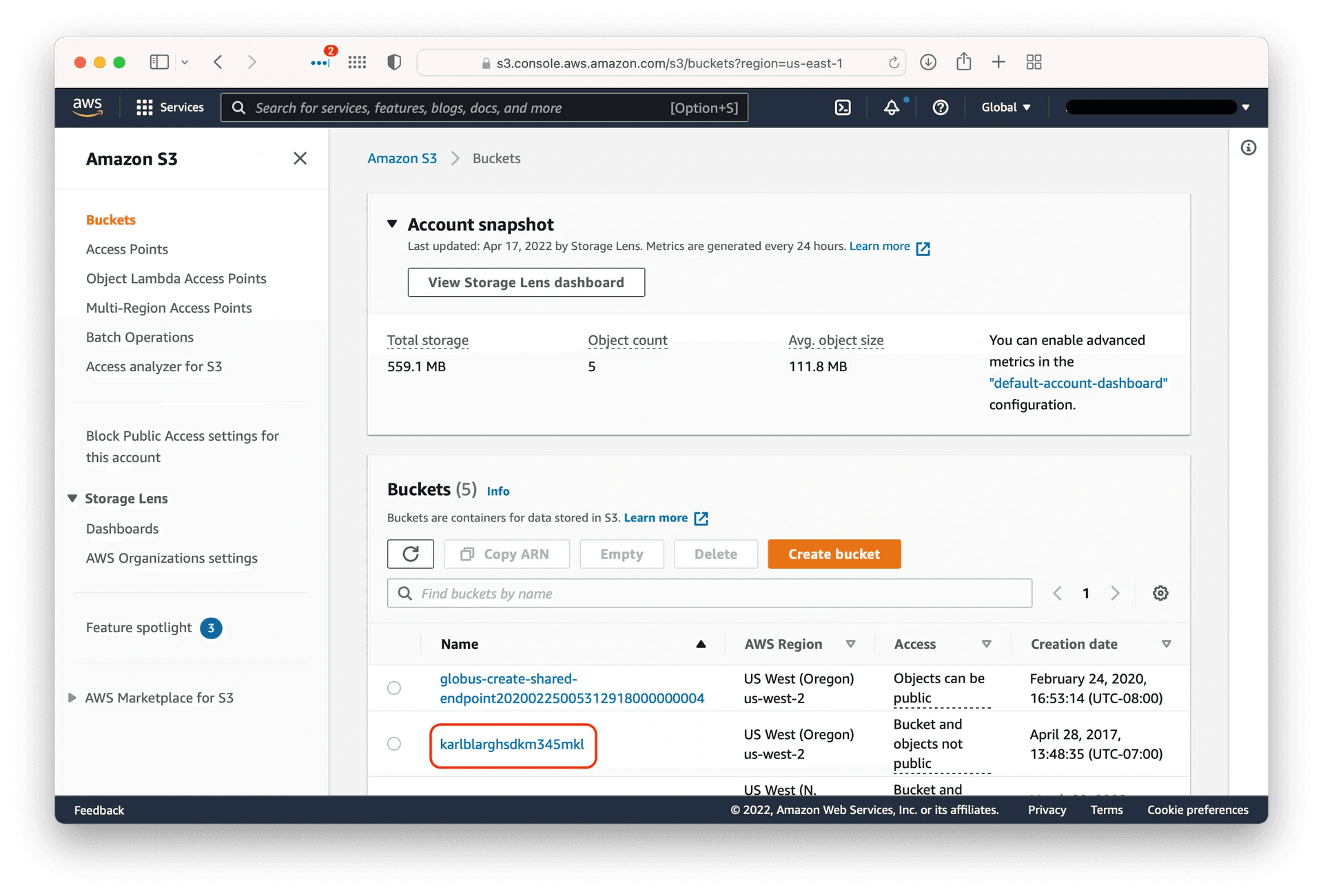

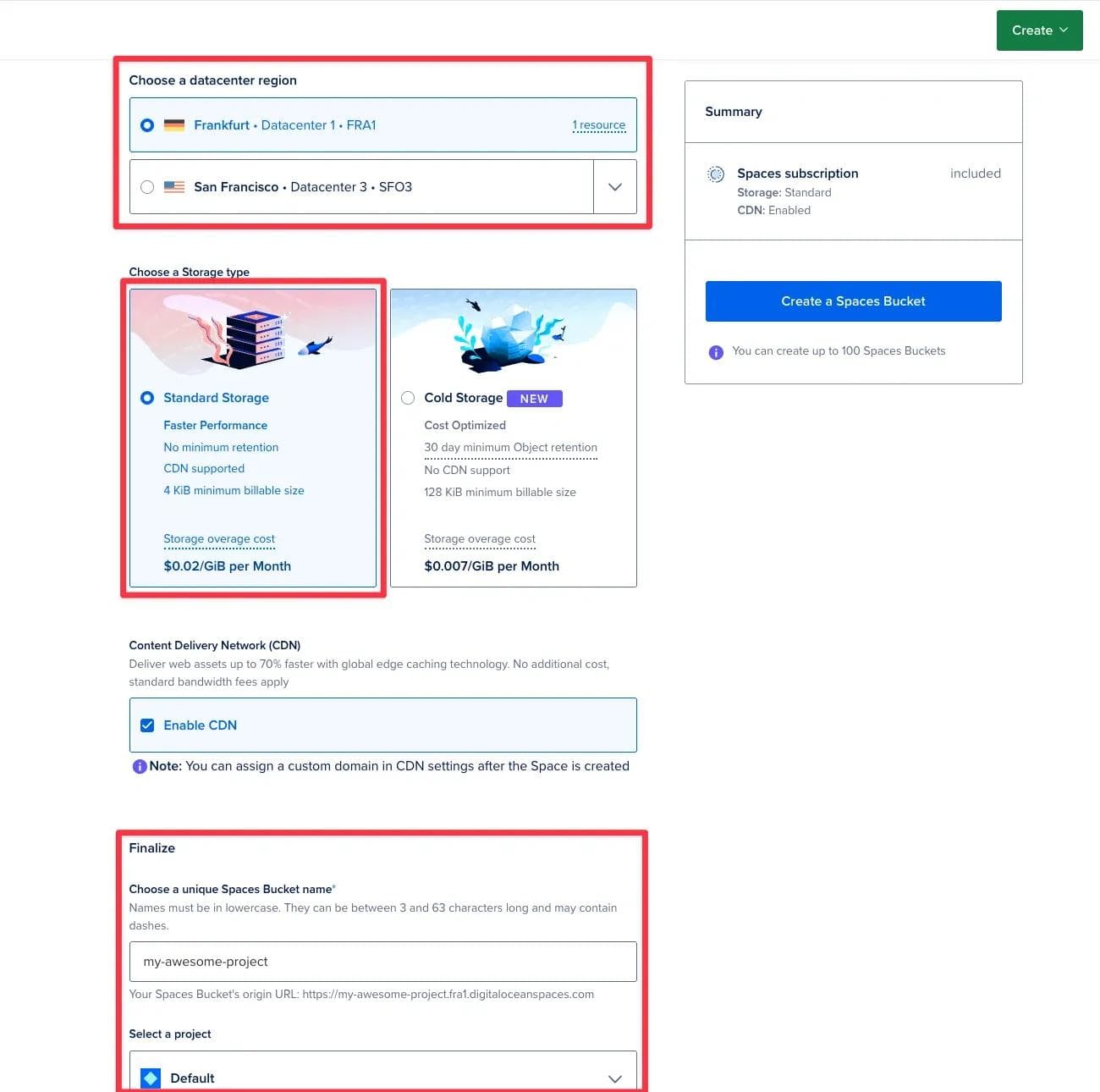
if you see the same error, follow the steps below:
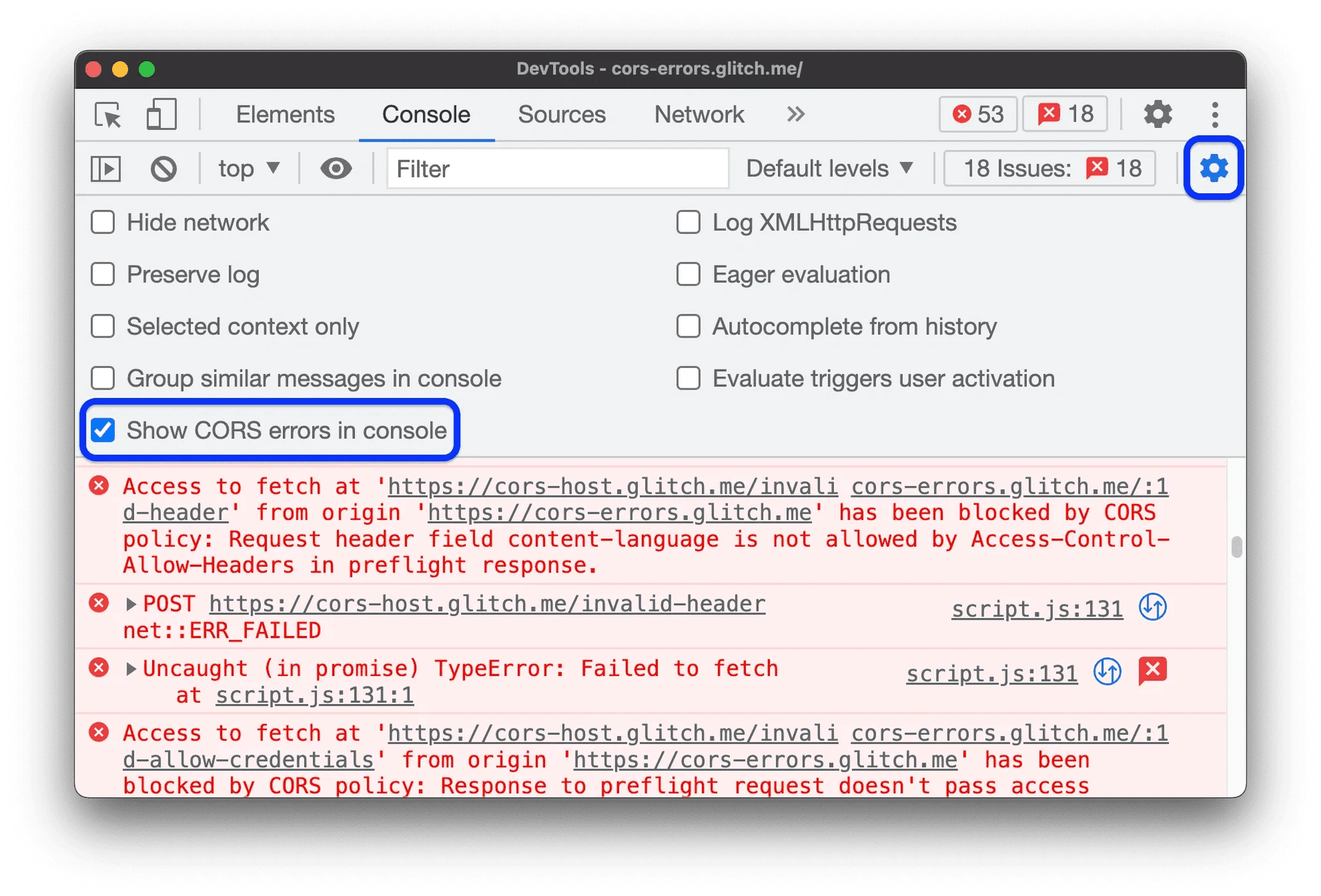
1. Select the Relevant Project and Space:In the sidebar, choose the project or DO spaces directly.Select the space or spaces (if we have more that one).
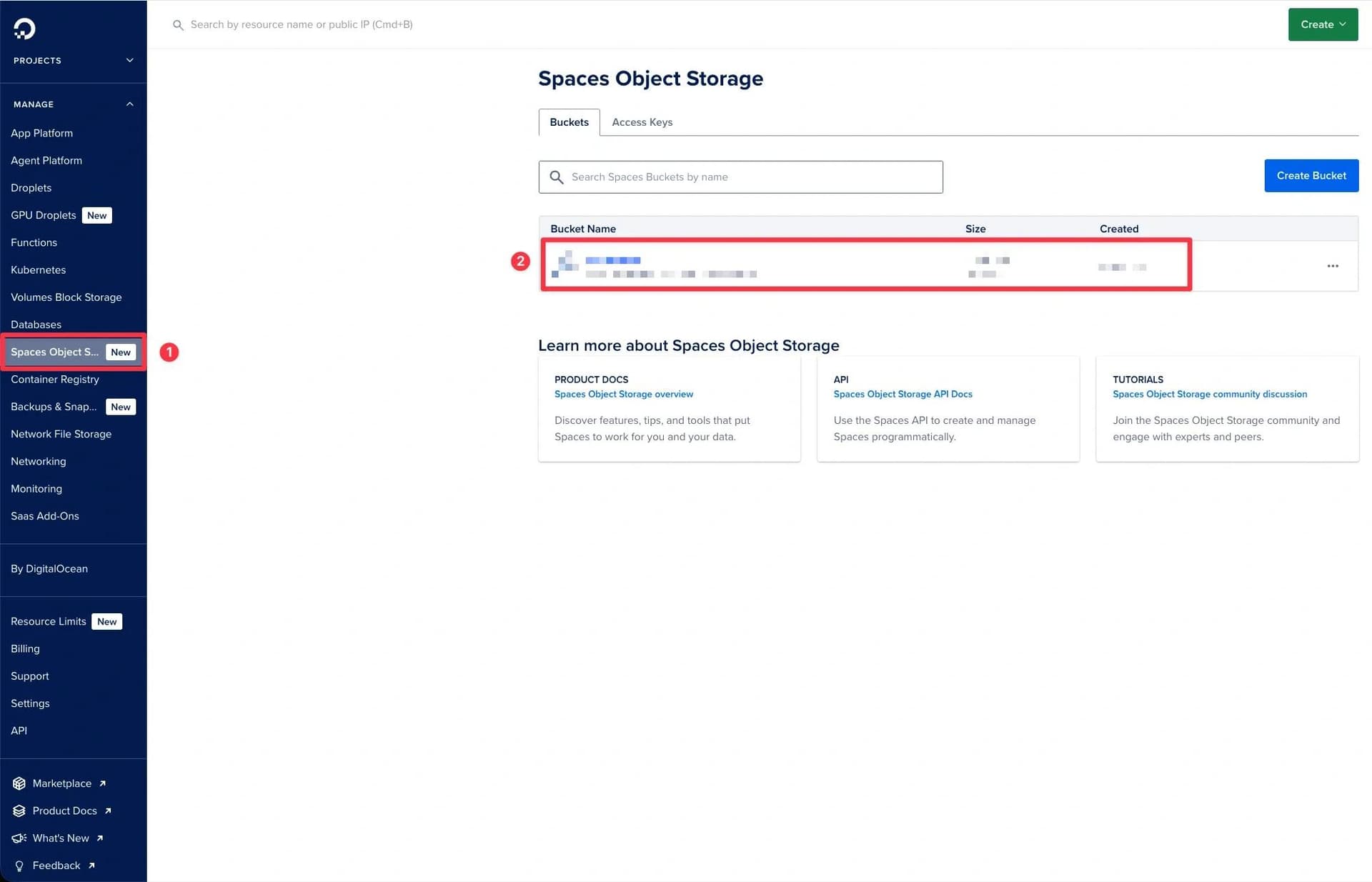
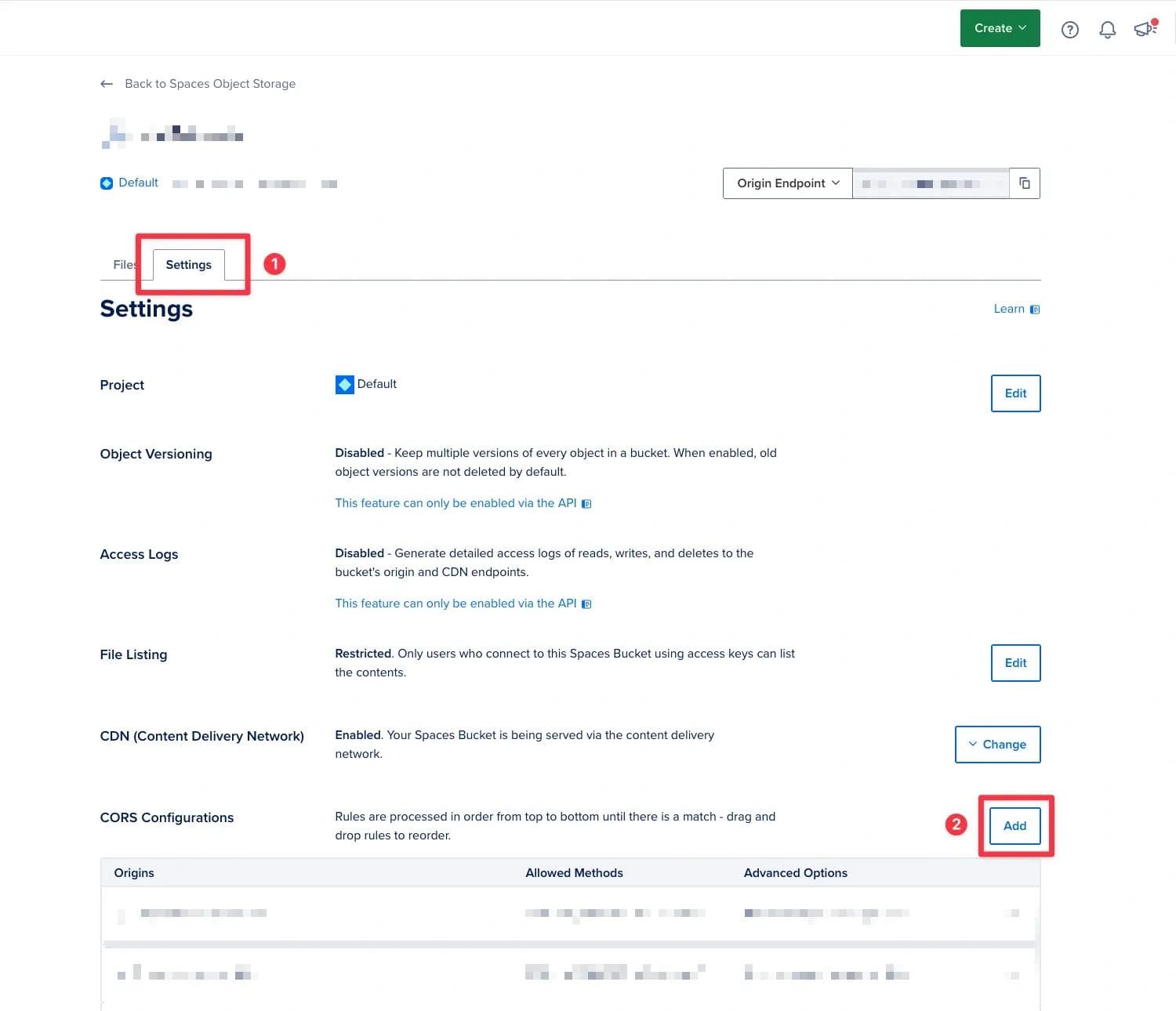
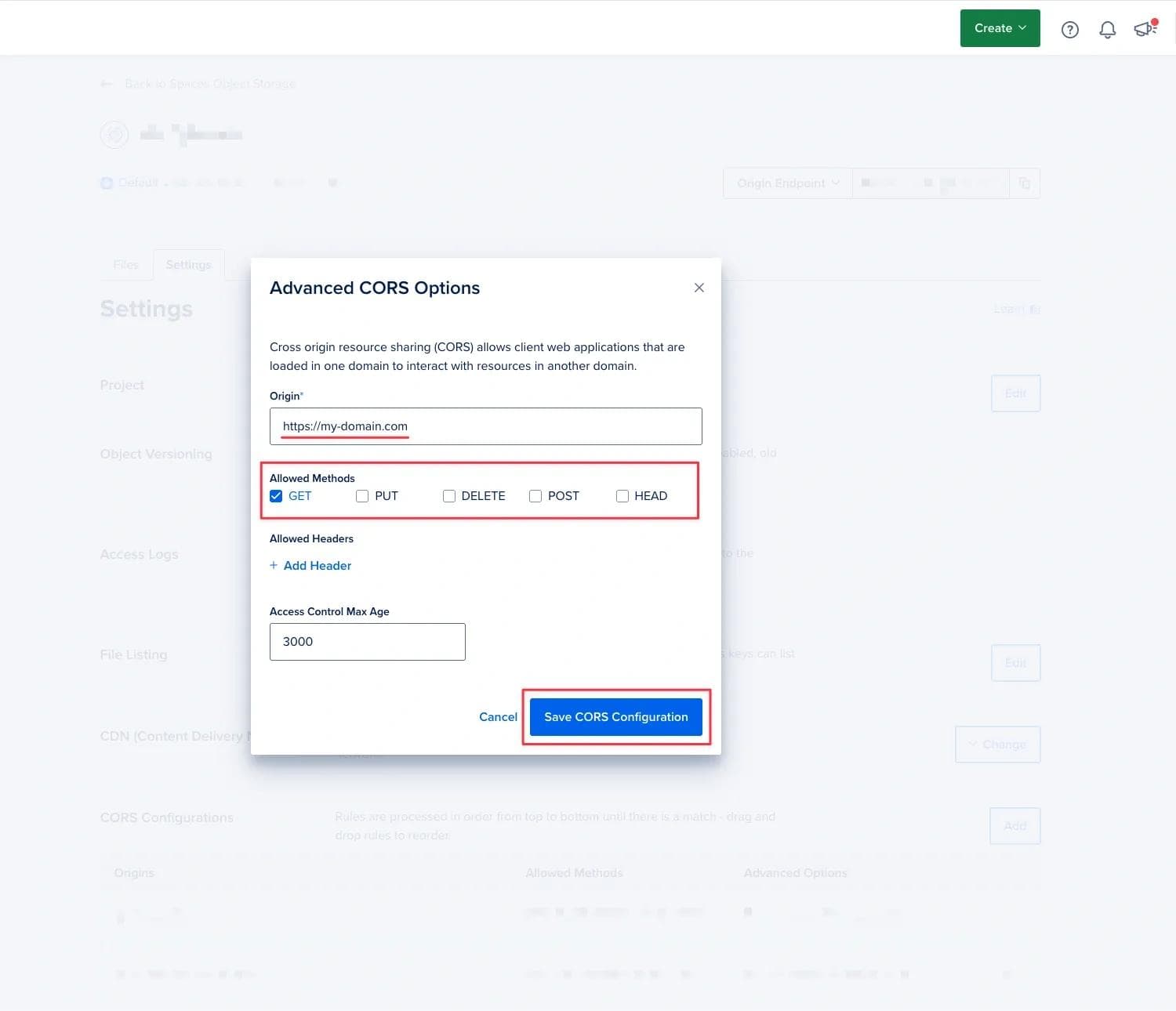
All "API" or "Monolith apps" domains could support allHTTPmethods (GET,PUT,DELETE,POST,HEAD). The basic domain (like apps which only reached the content from API) could only allow theGETmethod for enhanced security, limiting interactions to data retrieval.
# API or Monolith apps domains:

Origin: https://example-api-domain.com
Allowed Methods: GET, PUT, DELETE, POST, HEAD
Allowed Headers: # No additional headers selected
Access Control Max Age: 0 # set this up by your requirements# Reached content domains:
Origin: https://example-domain.com
Allowed Methods: GET
Allowed Headers: # No additional headers selected
Access Control Max Age: 0 # set this up by your requirements - 'default_media_disk_name' => 'media',
+ 'default_media_disk_name' => 'do_spaces',Don’t forget add/update variables to “Environments“
'do_spaces' => [
    'driver' => 's3',
    'key' => env('DO_SPACES_KEY'),
    'secret' => env('DO_SPACES_SECRET'),
    'endpoint' => env('DO_SPACES_ENDPOINT'),
    'region' => env('DO_SPACES_REGION'),
    'bucket' => env('DO_SPACES_BUCKET'),
],